Web UI
Open notefeed in a browser and log in with the token (NOTEFEED_TOKEN). The login lasts a year on that browser.
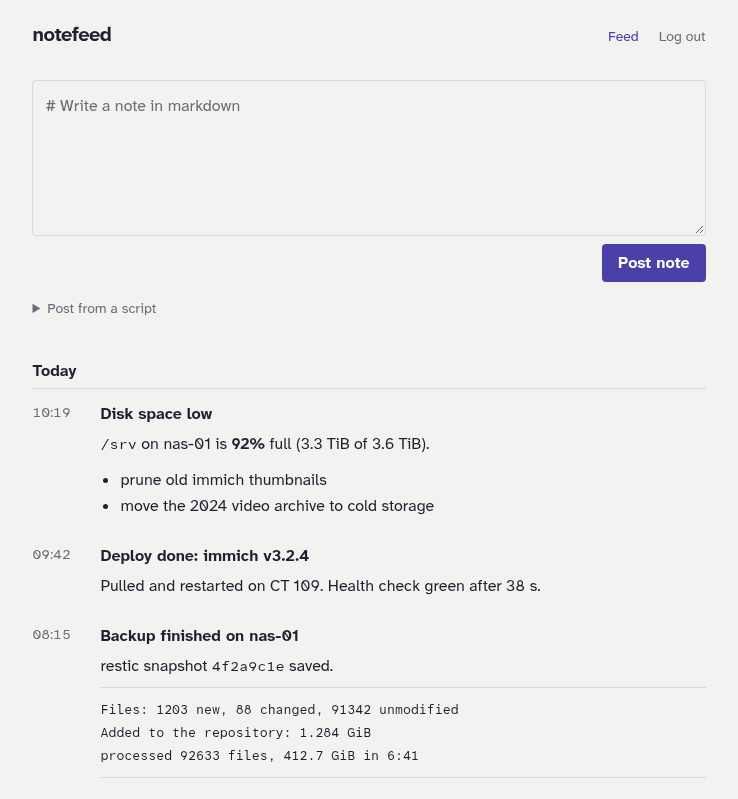
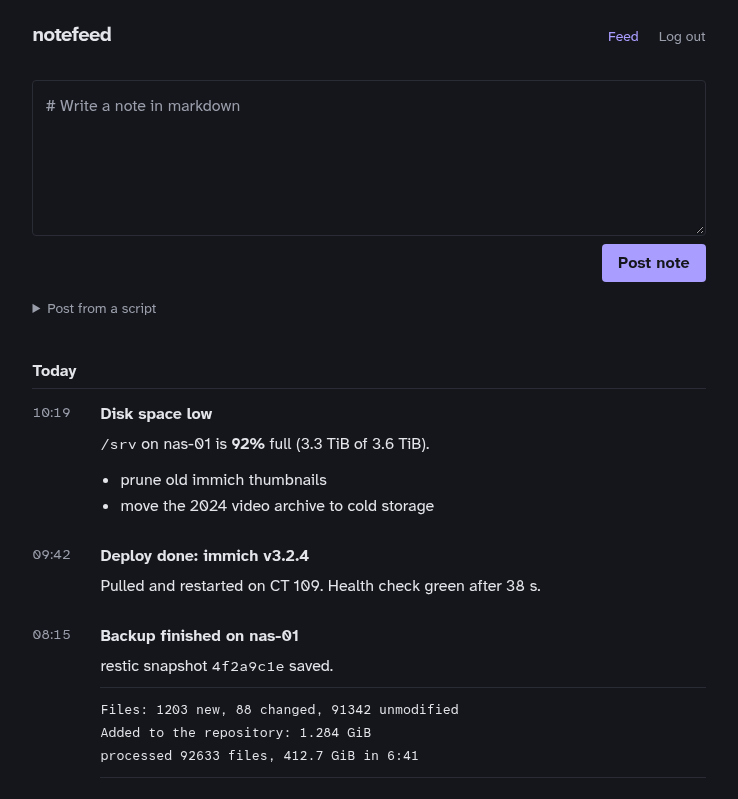
Writing a note
Type markdown into the box at the top. While you type, the line under the box shows the file the note will be saved as, for example 20260929T140512Z-backup-finished.md. See Titles and filenames for how it's derived.
Post with Post note, or press Ctrl+Enter (Cmd+Enter on a Mac). The note appears at the top of the list, briefly highlighted.
Under the box, Post from a script expands to a ready-to-copy curl command for this server.
Reading notes
Notes are listed newest first, grouped by day, with the time on the left. Times use the server's time zone (see TZ). Click a title to open the note on its own page. That page's address is also the note's link in the feed.
Raw HTML in notes is shown as text, never run.
Logging out
Log out ends the session in that browser. To log out every browser, change NOTEFEED_TOKEN and restart notefeed. The same token is used by scripts, so update them too.