notefeed
notefeed is a small inbox for short markdown notes. You post notes to a named feed from scripts over HTTP, from an AI assistant over MCP, or by hand in a web UI, and read them back as RSS. Each note is a plain file on disk, .md or an image, exactly as posted, with its metadata in a small .json file next to it; or a row in SQLite or PostgreSQL if you prefer a database.
It exists because dashboards like Glance and Dynacat can read RSS but have nowhere to post to. A backup job, a deploy script or a cron check can drop a note into notefeed, and it shows up on the dashboard a few minutes later.
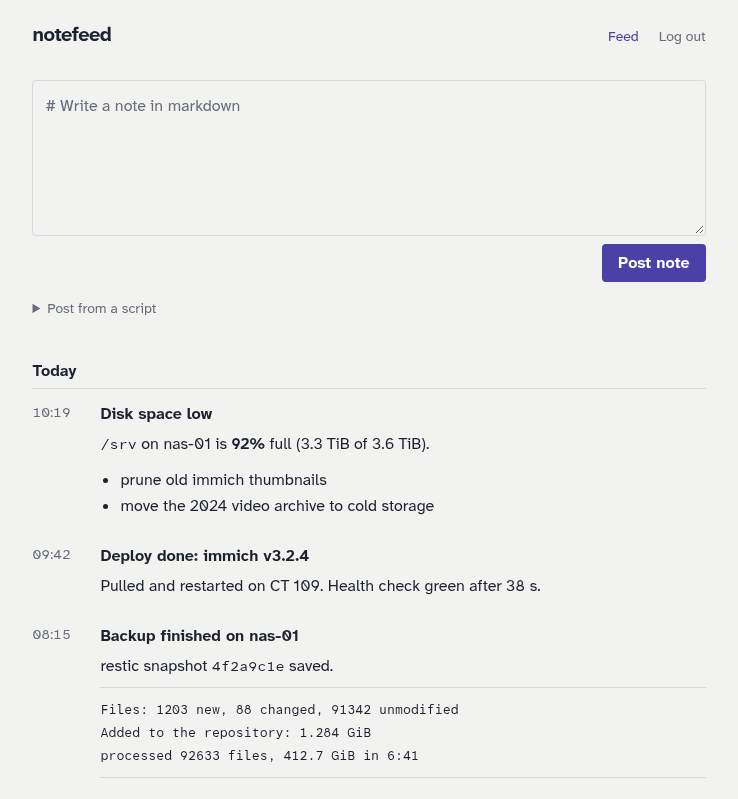
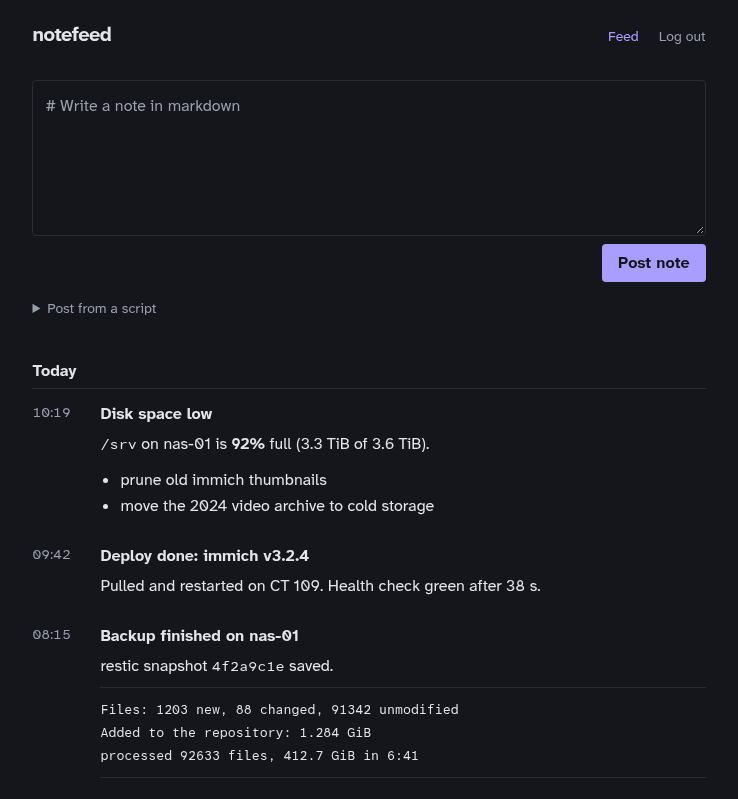
notefeed is private by default and stores nothing about a person. Sign-in through your own identity provider is opt-in. What notefeed stands for says what it will stay: no accounts, no personal data, publishing rather than interacting.
Two ways to use it
- Use notefeed.me. Nothing to install: open notefeed.me, pick a feed name and post. Every feed starts on the free tier; a license lifts it. Start with On notefeed.me, then read what notefeed.me is and the free tier and licenses.
- Run your own. One container with Docker Compose, the notes as plain files on your disk, every feature on, no free tier. Start with On your own server, then Self-hosting.
Both run the same software, and everything under Using notefeed and Integrations applies to both. Where a page differs on notefeed.me, a box titled On notefeed.me says so.
Where to go next
- Get started: On notefeed.me and On your own server post a first note; Concepts explains feeds, names and read links; Compared to other tools says when to use notefeed, ntfy or both.
- Using notefeed: the web UI, posting notes, pictures, feeds and how to read them back in Glance, Dynacat and other readers.
- Integrations: client libraries and the command line, the REST API and MCP for AI assistants.
- notefeed.me: what it is, who runs it and where your data is; the free tier and licenses.
- Self-hosting: configuration, passwords and access, a reverse proxy, storage, backups, health, logs and metrics and upgrading.